AI design tools: a comparative look

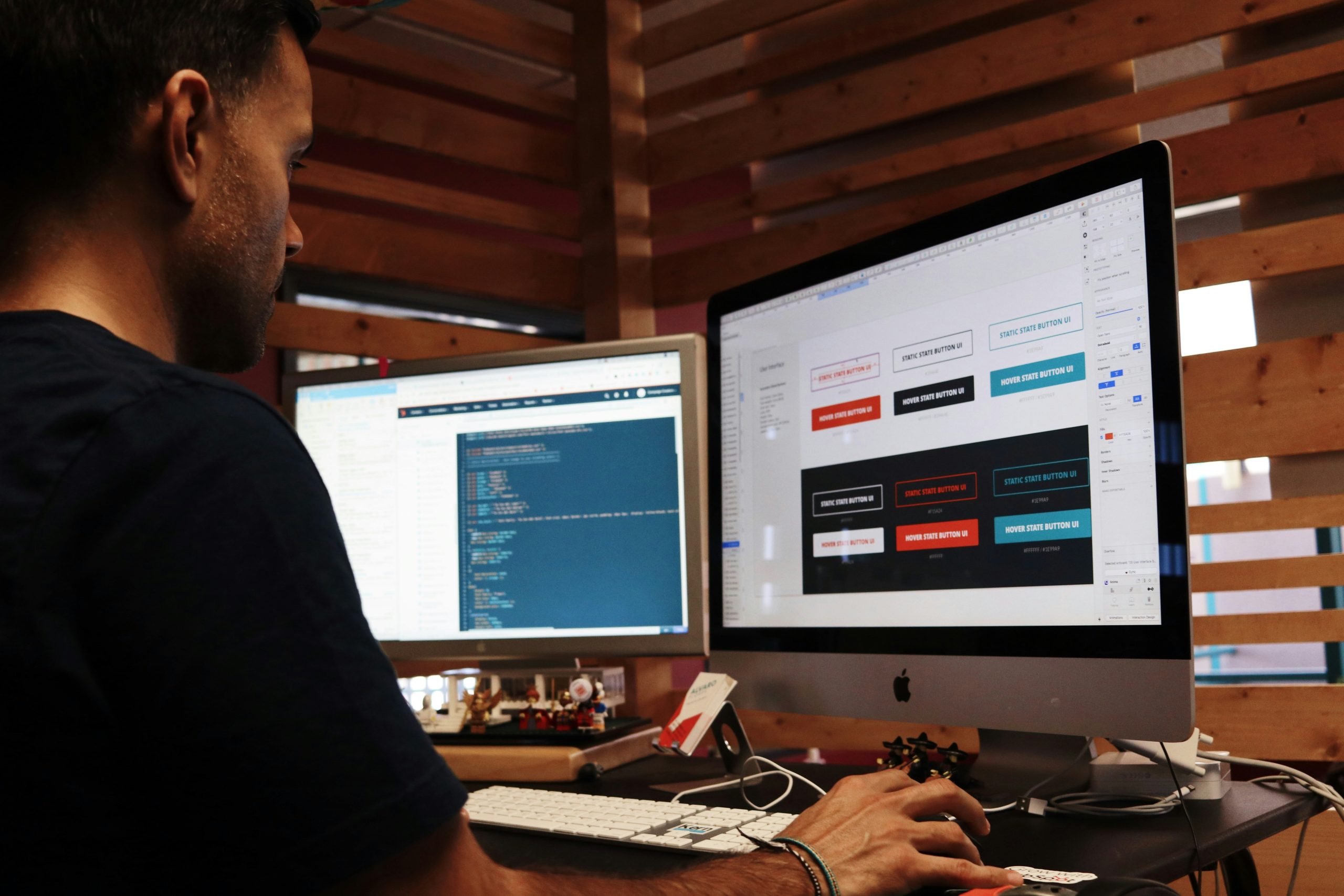


We tested Uizard, Visily, UX Pilot and Creatie ORB in practice to find out what they can really do, today, for a design team. Here is our verdict, with a focus on integration with Figma.
The use of artificial intelligence (AI) continues to be widely discussed in the world of design as well. Every week a new tool seems to emerge that promises to revolutionise the way we work, but for user experience (UX) professionals and agencies it is becoming harder and harder to tell mature solutions apart from those that are little more than a passing novelty.
That is why we decided to go beyond the hype. This is not yet another list of features, but a comparative analysis of AI design tools based on practical tests, with the aim of answering a precise question: today, can these tools really improve the workflow of a user experience and user interface (UX/UI) design team?
Our approach: how we tested the tools
Our method of analysis was structured to simulate the adoption of these tools in a real working context. The first step was a broad scan of the market, from which we selected an initial group of candidates.
From that list we discarded platforms that were still too immature, such as Galileo.ai and Motif, which during preliminary tests showed significant problems of performance and stability.
We then concentrated on the four tools that showed real potential — Uizard, Visily AI, UX Pilot and Creatie ORB — and we evaluated them against a set of objective assessment criteria.
- Integration into the design workflow. We checked each tool’s ability to fit into a real workflow, considering integration with Figma (through a plugin, export or import) as a decisive factor.
- Quality and relevance of the AI output. We analysed the aesthetic quality, the logical consistency and the relevance of the results generated, asking ourselves whether they were a valid starting point.
- Real impact on efficiency. We measured the actual time saved, also taking into account the manual work needed to correct and refine the AI output.
- Maturity and specialisation. We assessed each platform against its stated purpose, distinguishing between generalist and specialised tools (such as UX Pilot for research) in order to judge their effectiveness in their specific field.
Starting from these criteria, we analysed each tool in a consistent and thorough way and highlighted strengths and weaknesses. Here, in detail, is what we found.
Uizard: it speeds up the early stages of design
Uizard is a user interface design tool powered by artificial intelligence that aims to accelerate and simplify the design process. Its goal is to allow people to generate screens and prototypes starting from simple text inputs (prompts) or from images, such as sketches and wireframes.
At first sight the interface looks complete, but a closer analysis reveals a lack of the advanced features typical of professional design tools.
The most interesting strengths for design
- Conversion from sketch or wireframe to user interface — This is its most powerful and impressive feature. It shows remarkable accuracy in translating sketches and wireframes into digital interfaces, which makes it very effective in the very first stages of ideation.
- Rapid prototyping — The ability to generate basic flows and navigable prototypes automatically is useful for a first exploration of the interaction, even if manual adjustments are needed to obtain a good logical flow.
- Theme generation — It extracts colour palettes effectively from websites, screenshots or prompts, and allows basic theming, including with a preview.
The main weaknesses for use in a design workflow
- No export to Figma — This is its greatest limitation. The impossibility of exporting projects to Figma or to other professional tools makes it a closed ecosystem, incompatible with design workflows and with collaboration.
- Lack of professional features — The complete absence of reusable components, auto layout, responsive constraints and asset management makes it impossible to design in a scalable and consistent way. Every change has to be replicated manually on every screen.
- Quality of the generative AI — The visual and textual output is often insufficient, usable only as a placeholder. The design review function, moreover, lacks credibility, providing superficial feedback on usability and accessibility that is poorly contextualised.
Our assessment of Uizard
Uizard is an interesting tool for brainstorming and very low-fidelity prototyping. It can be useful to product managers, entrepreneurs or students for visualising an idea quickly, but it is currently unsuitable for professional UI/UX design and for any work destined for production.
Visily AI: easy to use and compatible with Figma
Visily presents itself as an easy-to-use alternative to Figma, with the aim of making design accessible to people with different levels of experience, thanks to a shallow learning curve and a clean interface.
Its most interesting feature is the integration of AI functions for designers that assist the process and speed up design, from wireframe to high-fidelity design.
The most interesting strengths for design
- Compatibility with Figma — This is its decisive strategic advantage. The possibility of starting a wireframe or a concept in Visily and then exporting it and refining it in Figma makes it an extremely practical and integrable tool.
- Effective AI functions — The “Text to Diagram” function is surprisingly accurate for generating user flows, while “Screenshot to Design” works well for reverse-engineering existing interfaces. The colour contrast assistant is very effective.
- Smart components and tables — It offers a library of pre-built components with customisable properties, as well as a robust system for creating and populating tables automatically.
- Intuitive interface and shallow learning curve. The tool is extremely easy to learn and use, which makes it ideal for beginner designers or for teams that need to be operational in a very short time.
Weaknesses and areas for improvement
- Limits in the design of complex systems. The lack of a true auto layout system and of advanced features for creating custom components makes it unsuitable for building scalable design systems.
- Basic prototyping — Prototyping features are limited to simple links between screens, without the possibility of creating animations, microinteractions or state transitions.
- AI with inconsistent performance — Some functions, such as conversion from sketch to design, proved less effective and reliable than others.
Our assessment of Visily
Visily is an excellent design tool for beginners, junior designers or teams that need a great deal of speed in the wireframing phase. Its compatibility with Figma makes it a valuable assistant in the design process, perfect for the early stages before moving on to more powerful professional design environments.
UX Pilot: the AI assistant focused on user experience
UX Pilot stands out clearly from the other tools because it is not limited to interface design: it presents itself as an AI assistant for the entire product design process, with a strong emphasis on user experience (UX).
Its goal is to support the designer in the more logical, strategic and textual aspects of their work. It operates mainly as a plugin for Figma, alongside a web platform for more complex functions, trying to bring the power of AI directly inside the main design environment.
The most interesting strengths for design
- Native integration in Figma — Its greatest advantage is that it operates as a plugin. This makes it possible to strengthen the work without ever leaving your design environment, fitting perfectly into the daily workflow.
- Automation of user research activities — It excels at automating tasks that traditionally take a great deal of time. It can generate question scripts for interviews with users and stakeholders, analyse a design against Nielsen’s 10 heuristics, and create the entire structure of a workshop (for example a Design Sprint) in a few seconds.
- Complete coverage of the UX process — It offers all-round support for the experience design phase: from generating flow diagrams in FigJam to analysis with heatmaps, bringing together in one place functions that often require several different tools.
- A solid starting point — It provides very useful working bases (wireframes, analyses, texts) that, although they need review, speed up the process considerably and help to overcome the “blank page” syndrome.
Weaknesses and complexity
- A dual platform — To use all of its functions you need to move continuously from the Figma plugin to the web platform, an operation that can interrupt the flow of work and feel cumbersome.
- Output that needs supervision. As with all AI tools, the generated output is an excellent starting point, but it always requires the critical analysis, refinement and contextualisation of a professional designer.
- Limited free plan — The free version does not give access to the Figma plugin, which is its main strength, making a complete evaluation difficult without subscribing to a paid plan.
Our assessment of UX Pilot
UX Pilot is a tool of great value for product designers and UX researchers. It does not set out to replace the designer, but acts as a formidable accelerator. By automating the most repetitive and time-consuming activities, it allows designers to concentrate on what matters most: critical thinking and strategy. Considering the advantage it offers and its competitive prices, it is a valuable addition to the toolkit of any design team.
Creatie ORB: visual quality and iterative generation
Creatie ORB is not a stand-alone tool, but a powerful feature inside the Creatie design platform. It presents itself as an AI-powered user interface (UI) generator, with which you interact through a conversational interface similar to a chatbot.
The person describes the design they want using natural language, and Orb generates it. This approach integrates directly with Creatie’s complete design editor, positioning it as a strong competitor in the field of UI generation.
The most interesting strengths for design
- Quality of the visual output — ORB is able to generate good-quality UI designs, stylistically considered and modern, often going beyond the generic look of other tools.
- Iterative and controlled design process — The chatbot-style interface allows a dialogue with the AI. You can give feedback on the results, ask for changes and refine the design iteratively, keeping a good degree of control over the final result.
- A complete editor built in — The generated designs can be opened immediately in Creatie’s manual editor, which is a complete and mature design tool.
- Intuitive interface — The conversational approach is familiar and easy to use, lowering the barrier to entry and making design generation a fast and natural process.
Weaknesses and current challenges
- Single-screen generation — This is its main limitation. ORB excels at creating one screen at a time, but struggles to generate an entire application flow while maintaining visual and logical consistency.
- Disconnected prototyping — The interactive elements (such as hover effects or drop-down menus) shown in ORB’s preview are not carried over into the main editor, forcing the designer to recreate them manually.
Our assessment of Creatie ORB
Creatie ORB is one of the most promising competitors when it comes to generating high-quality user interfaces. It is perfect for finding visual inspiration, creating single complex screens or quickly generating specific components.
If in the future it manages to solve the challenge of generating consistent multi-screen flows, Creatie has the potential to become a leading player in this market.
The state of the art of AI in UX/UI design today
Our analysis allows us to take stock of the level of maturity reached by AI in UX/UI design, which we can sum up in three fundamental points.
- It is a co-pilot. None of these tools can replace a designer’s critical thinking, strategy and empathy. They are, rather, very powerful workflow accelerators, able to automate repetitive activities and free up valuable time for solving complex problems.
- Integration is everything — A tool that does not “speak” with Figma or with a comparable working ecosystem is destined to remain an isolated gadget, however fascinating. Interoperability is not optional: it is the decisive factor that determines whether a tool can be adopted or not at a professional level.
- The next step is consistency — The technological challenge will no longer be only to generate a single screen accurately, but to be able to produce an entire coherent, scalable and contextualised design system.
What does this mean for your work as a designer?
Artificial intelligence is not a threat, but an evolution of our toolkit. The current era is not one of substitution, but of the expansion of the capabilities available. Our advice is to be curious, to experiment with these tools in order to automate the most repetitive tasks and free up valuable time to focus on the value that only a human being can bring: strategy, creativity and a deep understanding of the people who use our products.
We also recommend